Being online changes a trip. Maps, translation, ride apps, tickets and your airline's notifications all depend on data, so this is worth sorting out properly rather than hoping for cafe wifi.
The three options
- Roaming with your home operator. Zero effort, sometimes free within a region, sometimes very expensive elsewhere.
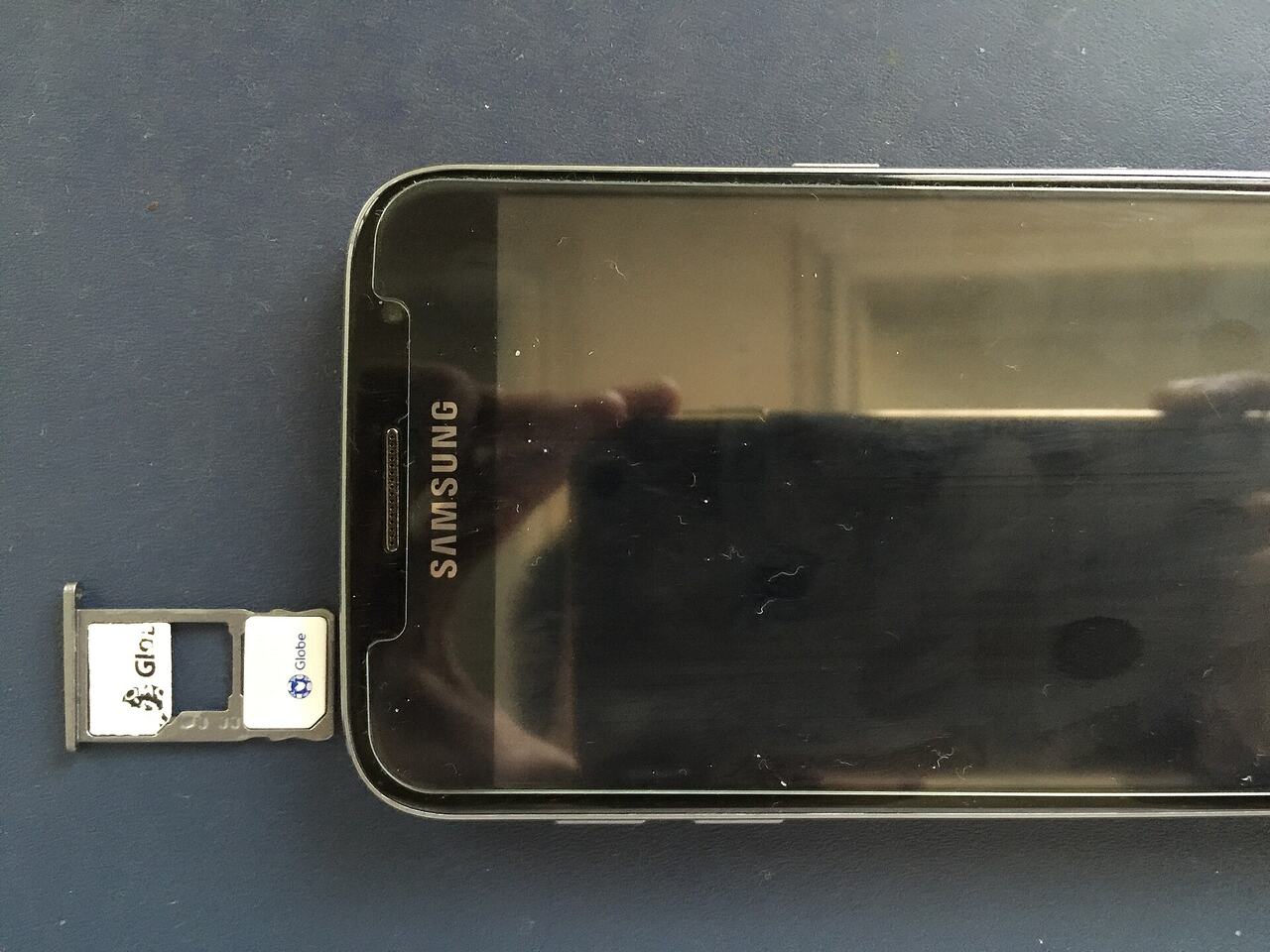
- A local physical SIM. Usually the cheapest data, requires an unlocked phone and often ID registration.
- An eSIM. Bought online in advance, activated in minutes, keeps your home number available for calls.
For most travellers on trips under a month, an eSIM is now the easiest answer. For longer stays or heavy data use, a local SIM bought from an operator store is usually cheaper.
Using an eSIM
- 1Confirm your phone supports eSIM, which most recent models do.
- 2Buy the plan before departure and install the profile while you still have wifi.
- 3Leave it disabled until you land, then switch it on as your data line.
- 4Keep your home SIM active for calls and texts, but turn its data roaming off.
- 5Set the eSIM as the default for data only, not for messages.
Buying a local SIM at the airport
Airport kiosks are convenient and pricier than city stores. If you buy at the airport, ask the staff to insert and activate the SIM and confirm it works before you walk away. Many countries require passport registration, so have your passport in hand.

Keep your original SIM in a safe place, ideally in the little plastic holder the new one came in, rather than loose in a pocket. Losing it means losing access to accounts that send verification codes to your home number.
Avoiding surprise bills
- Turn off data roaming before landing if you are not on a roaming plan.
- Disable automatic app updates and cloud photo backup over mobile data.
- Watch out for cruise or ferry networks, which are satellite based and extremely expensive.
- Check whether your plan charges for incoming calls, which some do.
- Set a data usage warning in your phone settings.
Wifi and safety
Public wifi is fine for maps and browsing, and less appropriate for banking. If you must use it for something sensitive, use your mobile data instead or a reputable VPN. Airport and hotel networks that ask for a lot of personal data before connecting are worth being sceptical of.

Whatever you choose, download offline maps of your destination and your accommodation address before you fly. That way even a total connectivity failure leaves you able to get where you are going.
Common questions
- Will I keep my WhatsApp number with a local SIM?
- Yes. Messaging apps stay tied to your registered number as long as you do not re-register with the new one.
- Is eSIM data slower than a local SIM?
- It depends which network the eSIM uses. Most connect to a major local carrier, so speeds are similar.
- Can I use one eSIM for several countries?
- Regional and global plans exist and are convenient for multi country trips, though usually more expensive per gigabyte.
Still stuck on something?
We publish information only, so your airline is always the right first call for a specific booking. If you cannot find an answer on the site, send us the question and we will point you to the right guide.