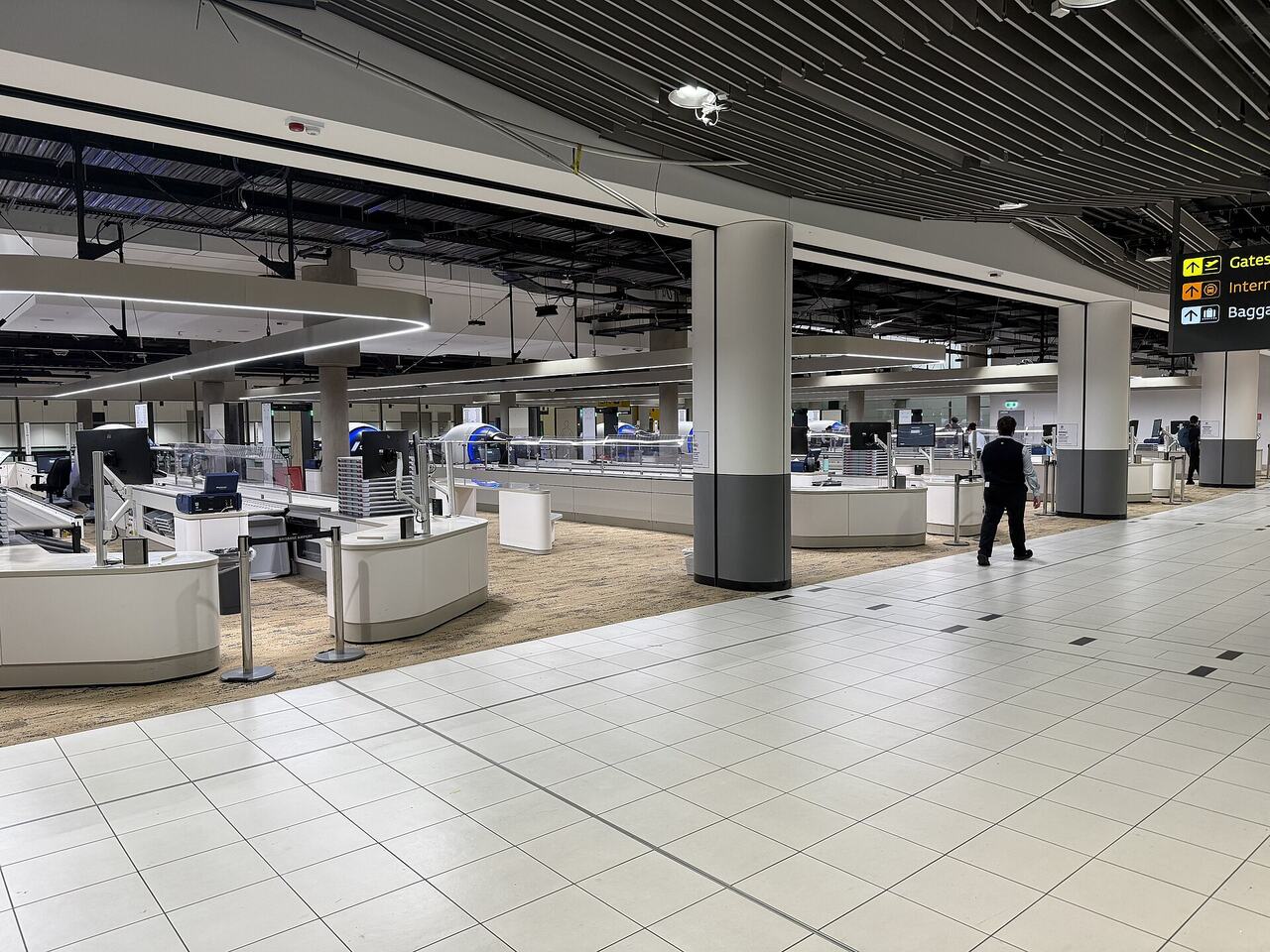
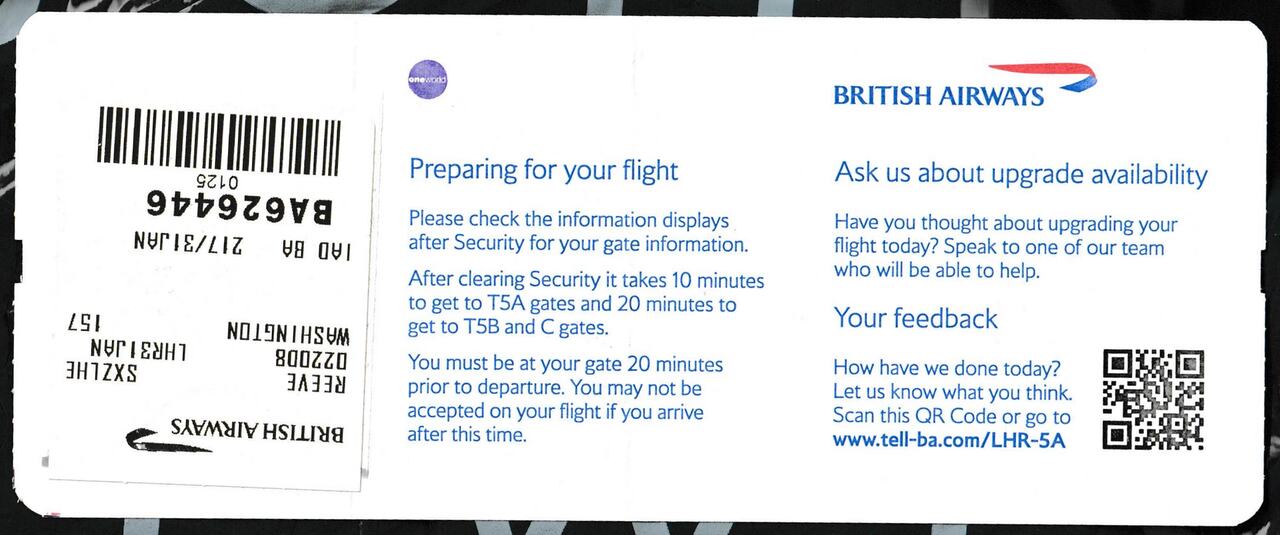
Big airports feel confusing because they are built in layers over decades. But almost all of them share the same structure, and once you can name the parts you can find your way through any of them.
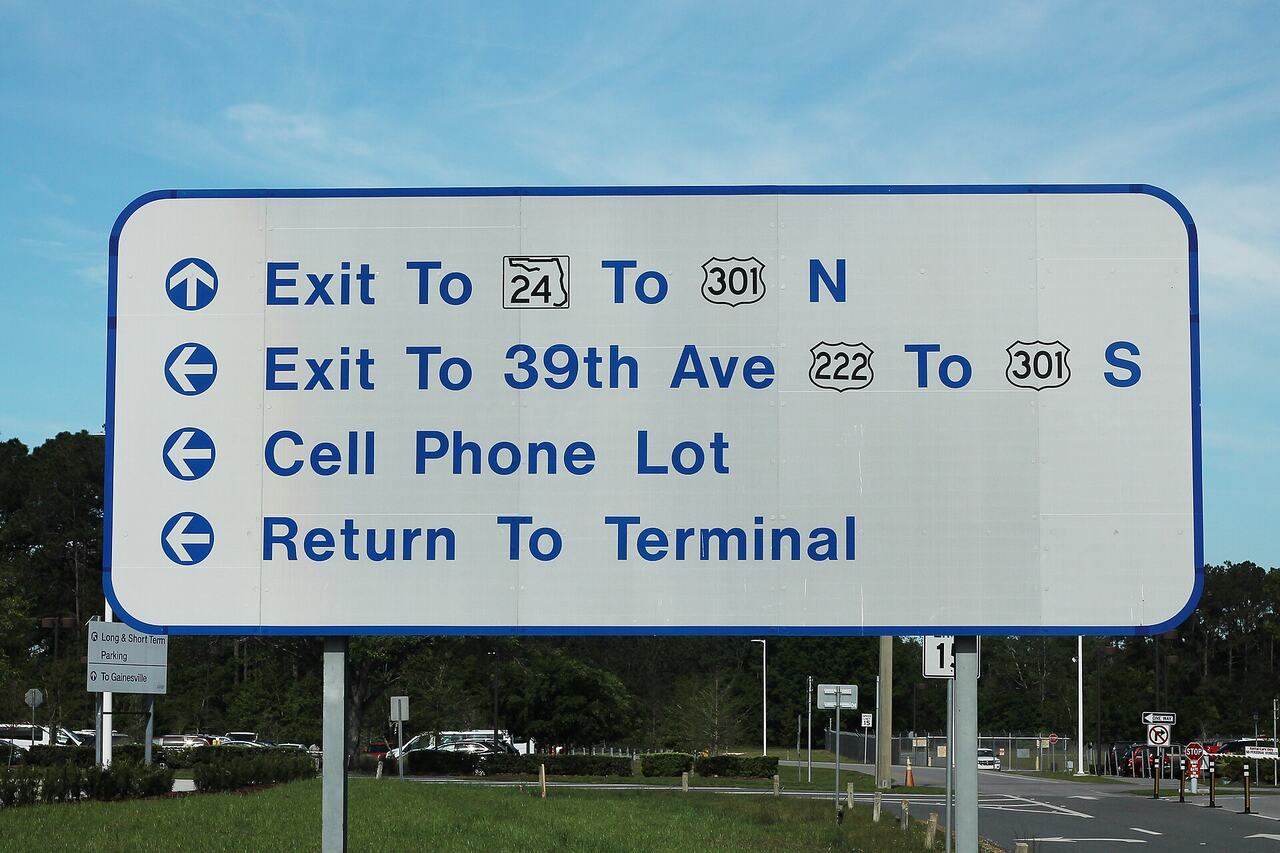
Terminal, concourse, gate
A terminal is a building with its own check-in and security. A concourse is a wing of gates inside or connected to that terminal. A gate is a single door. Getting from one terminal to another can mean a train, a bus or even leaving and re-entering security, so terminal is the number to check first.
If your boarding pass says a terminal you do not recognise, check the airport's own website map before you arrive. Some airports number terminals in a way that has nothing to do with their physical position.
Read the screens
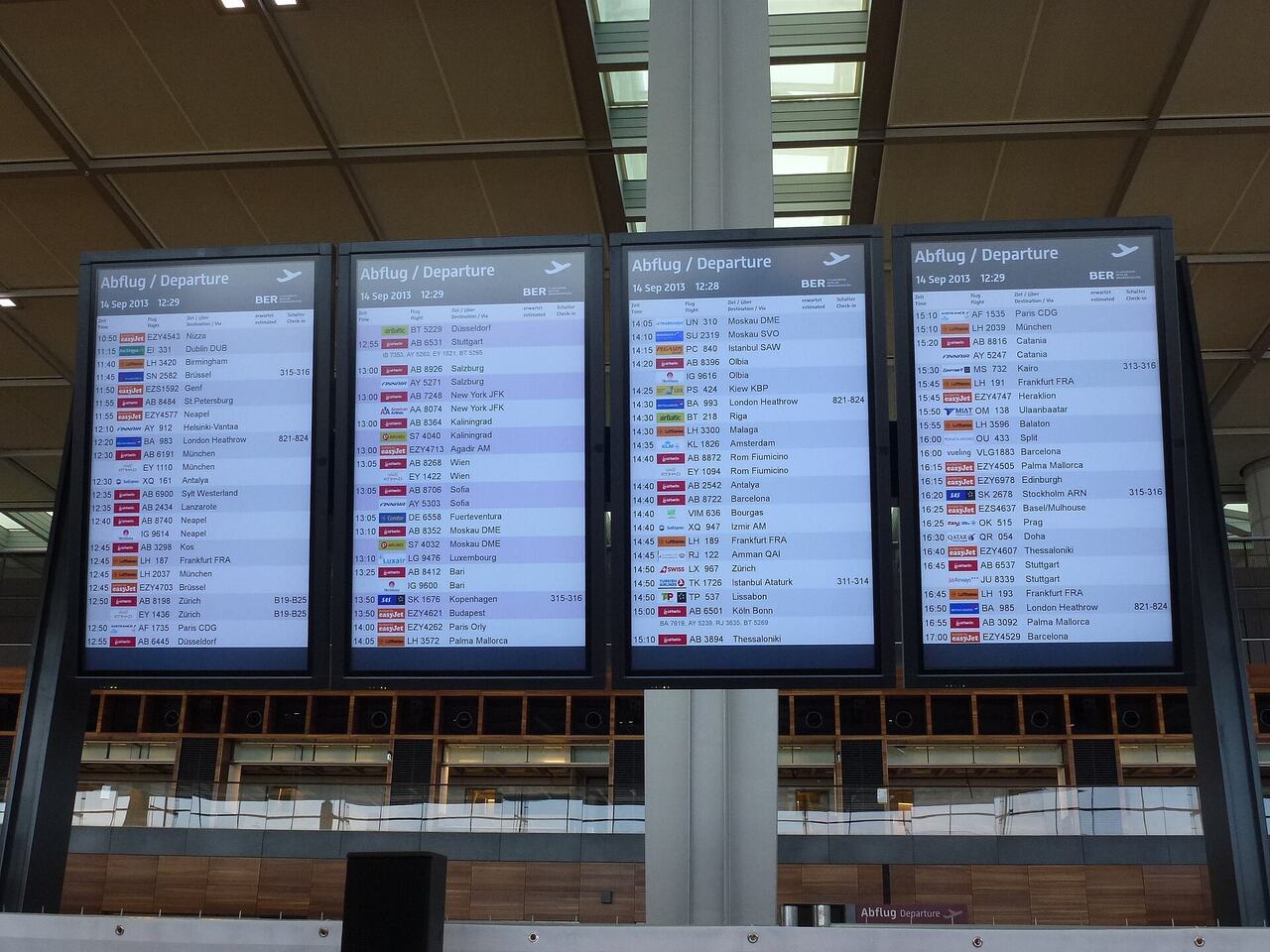
- Flight information displays are updated before announcements and before app notifications in many airports.
- A gate marked as "open at" means the gate is not staffed yet, so do not walk there early.
- "Go to gate" is your cue to start moving, and it accounts for the walking distance.
- "Final call" means the door is about to close. Do not stop for anything.
Estimating walking time
In the largest hubs, allow 20 to 25 minutes from security to a far gate, plus five to ten minutes if a shuttle train is involved. In a medium airport, ten minutes is usually enough. If you have mobility limits or are travelling with children, double these numbers and ask about the assistance service in advance.
Landmarks that always exist
- Information desks, which can print a boarding pass and explain a gate change.
- Airline service desks, which are usually near the gates of that airline's main concourse.
- Transfer desks, for onward connections without going through arrivals.
- Prayer rooms, quiet rooms and family rooms, marked on the terminal map.
- Water fountains and bottle refill points, usually near the toilets.
Airport apps and maps
Most large airports have their own app with an indoor map, live security wait times and gate updates. Download it before you fly, because doing so on airport wifi while carrying two bags is not fun. Offline maps in your phone's map app often include indoor floors as well.
Common traps
The first is a satellite concourse reached only by train, where the train runs every few minutes but the walk to the platform is itself long. The second is a one way security layout that means going back for a forgotten item requires re-screening. The third is a shopping route designed so all passengers pass the retail area, which makes the walk longer than it looks on the map.
If you get genuinely lost, ask a member of staff wearing an airport uniform rather than an airline one. Airport staff know the building. Airline staff know their own gates, which is not the same thing.
Moving walkways and escalators
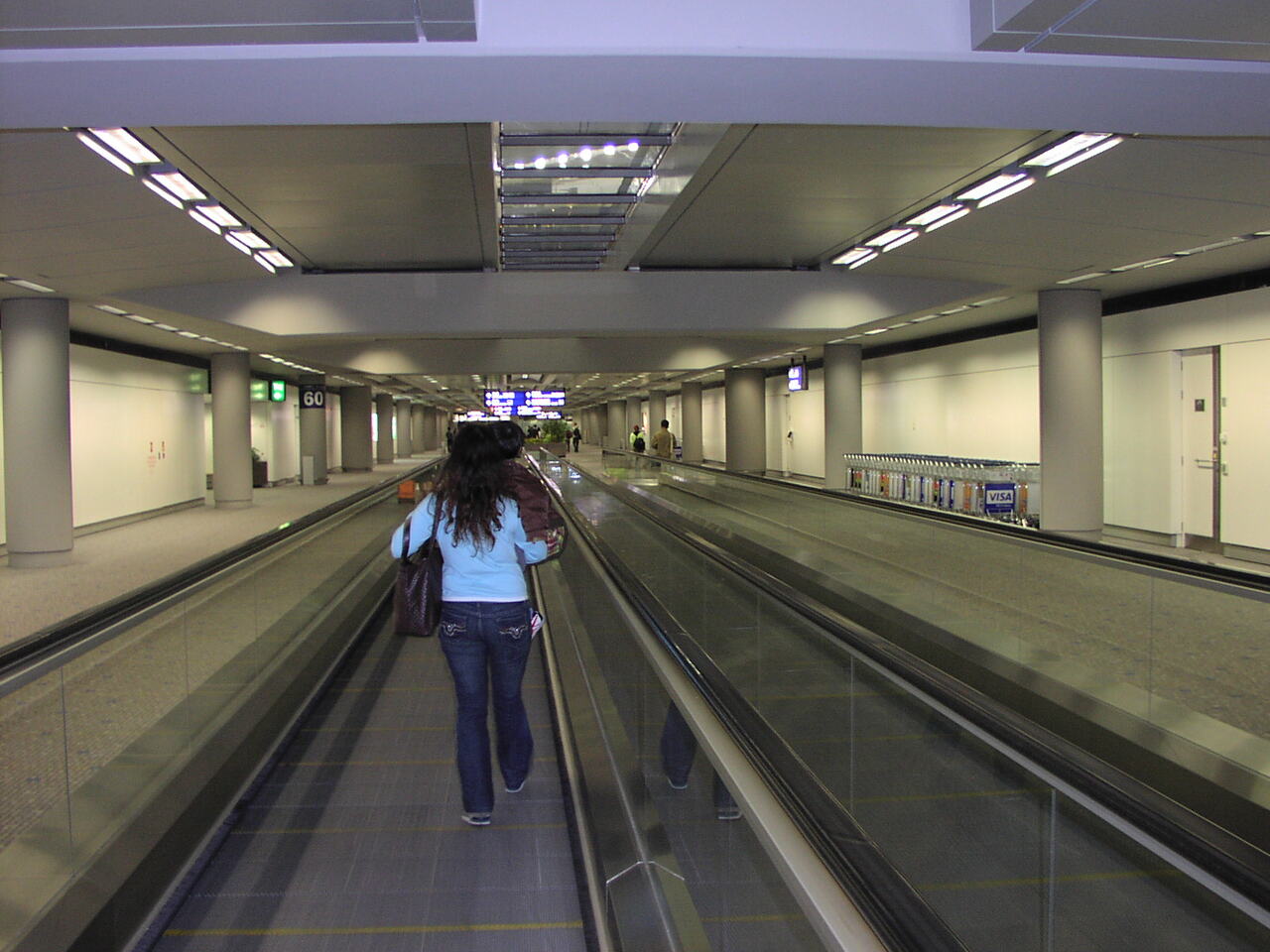
Moving walkways exist because some concourses are genuinely long, sometimes the better part of a kilometre from end to end. Stand to one side if you want to stand still and let others pass, and keep hold of children and trolleys, since the join at each end is where most stumbles happen. They save energy more than time, so do not treat them as a shortcut when you are already running late.
When flights change gate or terminal
Gate changes are usually announced on screens minutes before a verbal announcement, if there even is one. A terminal change is more serious, because it can mean leaving security again, and airports do not always make that obvious on the departure board itself. If your gate suddenly shows a different pier or a different terminal letter, go to the nearest information point or airline desk rather than assuming it is a typo.
Quick orientation checklist on arrival
- Note your terminal and gate from the boarding pass or app before you start walking.
- Find the nearest screen and confirm the gate has not already changed.
- Identify one landmark, such as a shop or desk, near your gate to navigate back to if needed.
- Check whether a shuttle train is required and where the platform is.
- Locate the nearest toilet and water point along your route.
Airports with satellite piers often look deceptively close together on a printed map because the scale is not obvious. A five centimetre gap on paper can be a genuine ten minute walk plus a train ride. Trust the minutes shown by the app rather than the visual distance, and remember that a map drawn for wayfinding is rarely drawn to true scale.
Accessibility and assistance
If you use a wheelchair, have limited mobility or find long walks difficult, most airports offer a buggy or wheelchair assistance service that can be booked with your airline in advance or requested on the day at a help point. It is worth booking ahead where possible, because on busy days walk up requests can mean a longer wait than expected, and staff numbers are not unlimited.
Common questions
- How do I change terminals?
- Look for the inter terminal train or bus. Allow at least 30 minutes, and check whether you have to clear security again.
- Can I use a lounge in a different concourse?
- Only if you can reach it airside without re-screening. Check the lounge location on the map before walking.
- Should I trust the walking times shown in the airport app?
- They are a good baseline for an unhurried adult. Add time for queues at moving walkways and for family travel.
Still stuck on something?
We publish information only, so your airline is always the right first call for a specific booking. If you cannot find an answer on the site, send us the question and we will point you to the right guide.